
Build a brand people remember.
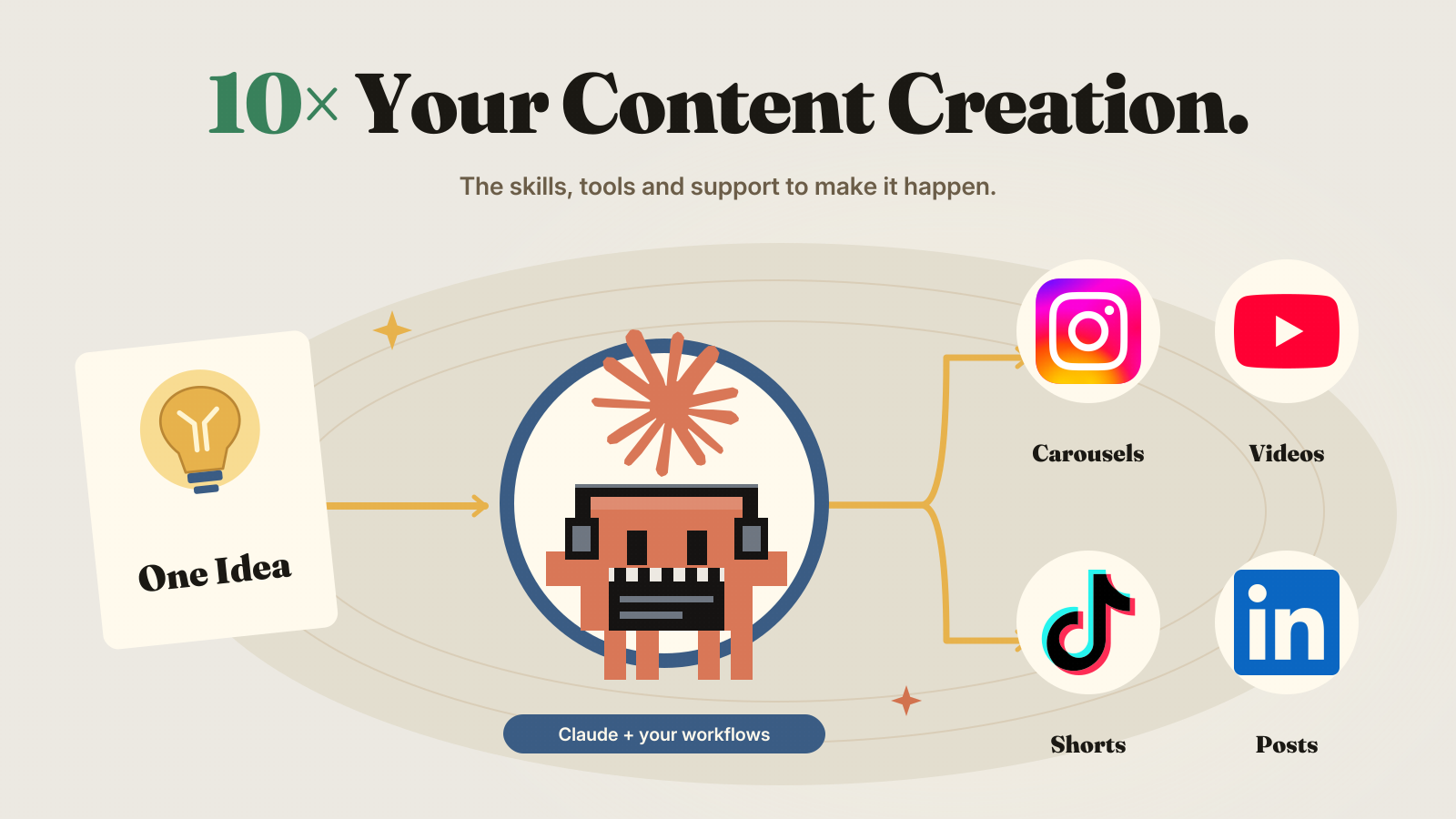
Turn what you know and sell into useful posts, product videos and animations that feel like you.
For creators who want to raise the bar
Make great videos with Claude or ChatGPT. Learn how to turn them into steady income. Use Supereditor, 4 simple courses and 31 AI tools to create content for your business or sell videos to clients. Follow clear guides to build your skills and grow your income. I pay for the servers that make your videos.
What will you make?
Learn to make work people remember, for your own brand or your clients.
Turn what you know and sell into useful posts, product videos and animations that feel like you.

Create polished ads and launch content. Take a client brief through story, visual direction and a finished piece that fits their brand.
The tools and craft behind the content
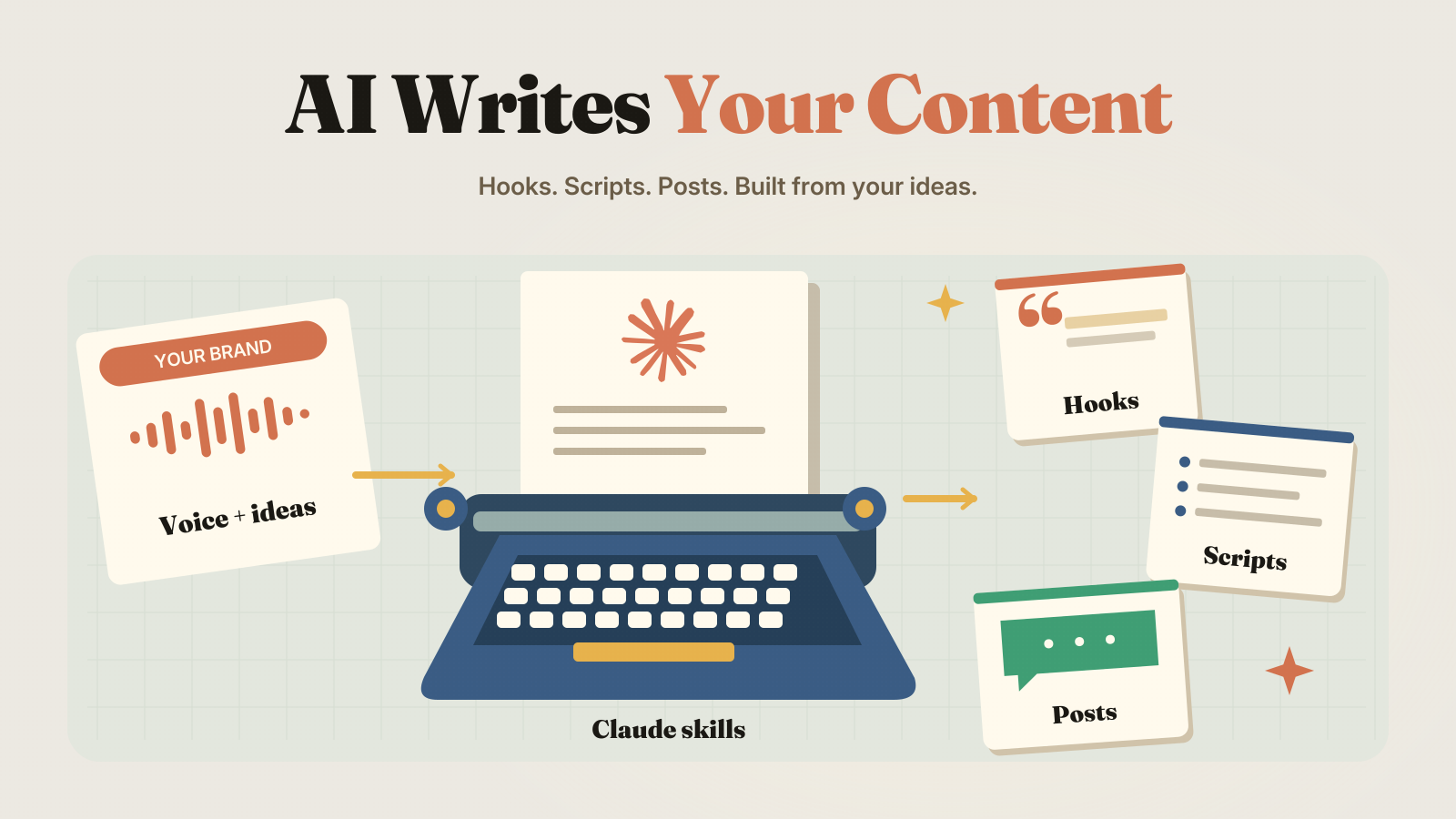
Use the Guild skills in either platform to find an original angle, sharpen your hook and write a story worth watching.
Learn to direct animations, product visuals, avatar videos and ads with a consistent look and a clear creative idea.

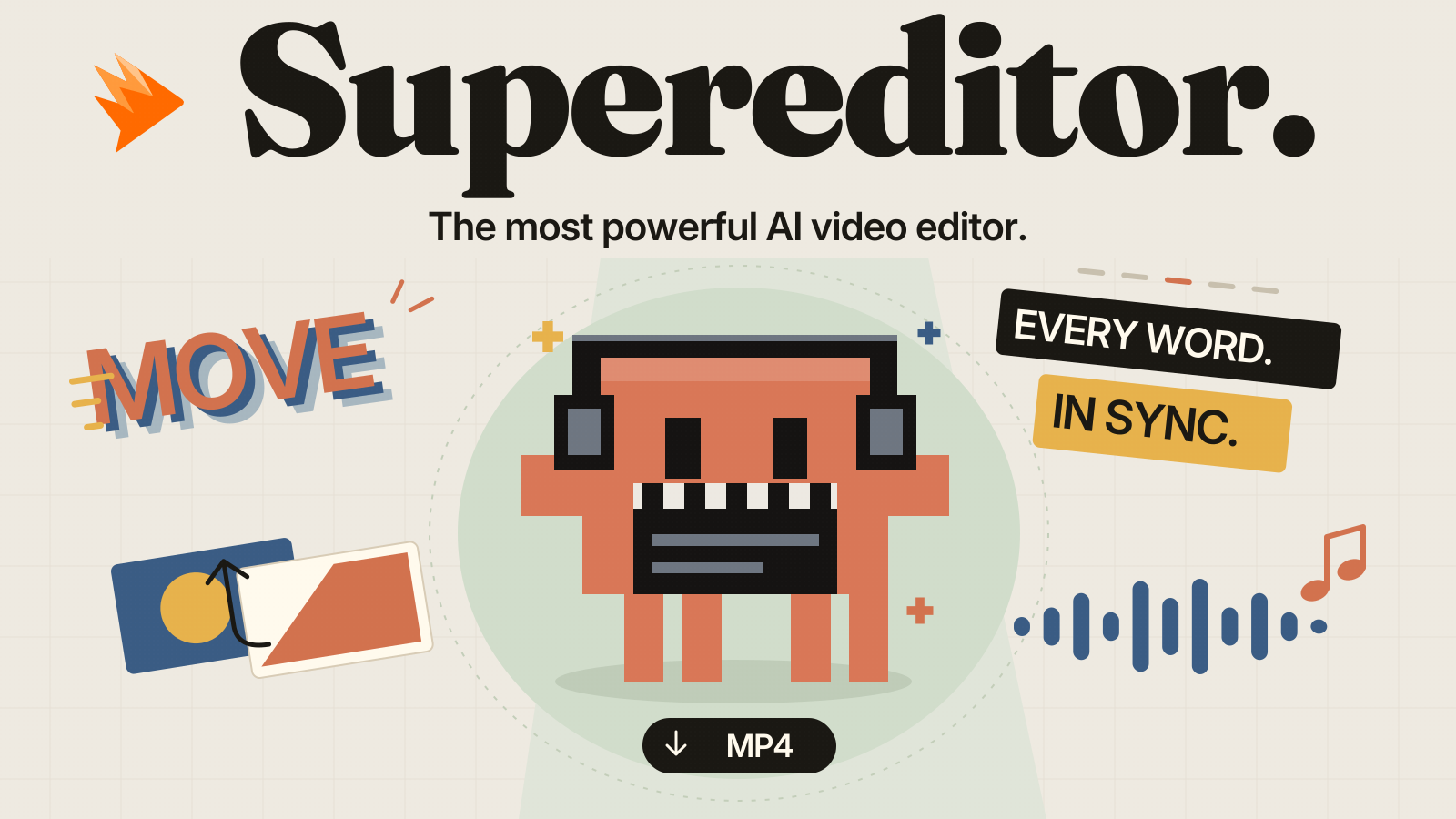
Use Supereditor with Claude or ChatGPT to bring scenes, animated text and sound together. Direct the result in conversation and refine it into a video you’re proud to publish.
Setup guide and best practices included inside the paid community.
Your first project

Supereditor setup and best-practice guides are included inside the paid community. Video modules are coming soon.
Explore the current creative course outline below. Full lessons and guides are available after joining.
The other three courses work the same way, and you can open any of them the day you join.
Supereditor skills
Focused video workflows you can use with Supereditor and your connected AI.
Turn an idea, article or script into a video with scenes, typography and diagrams.
Create animated titles, charts, logo reveals and social overlays.
Turn a product page or brief into a promo, feature reveal or product demo.
Bring voiceover, captions, music and visual assets into your video workflow. Any paid generation costs are separate.
35 resources are ready to use. Explore the wider Guild library of courses, AI skills and playbooks. These are separate from the Supereditor workflows above. Planned additions are clearly marked.
| Name | Type | System | Status |
|---|---|---|---|
| How to Create Studio Level Animations with AI4 modules | Course | Any | Live |
| How to Make AI UGC Ads1 module | Course | Any | Live |
| How to Make Apple Style UI Animations1 module | Course | Any | Live |
| How to Scale Faceless AI Avatar Pages on Social Media2 modules | Course | Any | Live |
| blocker-briefTurn "I'm stuck" into a question other people can actually answer, and solve it first if it is already solvable | Skill | Any | Live |
| caption-writerWrite the on-screen captions and the post caption for a short video, in your own voice | Skill | Production | Live |
| cold-pitchWrite the first message to somebody who has never heard of you, for editing or content work | Skill | Any | Live |
| comment-engineBuild the keyword call-to-action that turns views into comments and DMs, and the thing that gets sent | Skill | Any | Live |
| editor-essentialsClean up existing spoken-video recordings by trimming unwanted starts and ends, shortening dead air, and removing clear abandoned takes while preserving natural delivery and meaningful on-screen activity | Skill | Production | Live |
| first-hundredWork out why a new page is not growing and what the next fourteen days should contain | Skill | Strategy | Live |
| hook-bankTurn one thing you built into twenty opening lines, ranked, with the three worth testing | Skill | Hooks | Live |
| niche-pickerDecide what a faceless page is actually about, or sanity-check one that is not working | Skill | Strategy | Live |
| offer-one-pagerTurn a vague idea of something to sell into one page a stranger could buy from | Skill | Any | Live |
| proof-collectorTurn finished work into a case study and the testimonial request that actually gets a reply | Skill | Any | Live |
| repurpose-engineTurn one long thing into a week of short ones that are not just clips of it | Skill | Production | Live |
| retention-readRead a retention graph or a set of post numbers and say what to change next, not what happened | Skill | Any | Live |
| script-doctorFix a short video script that is boring in the middle, not at the start | Skill | Production | Live |
| series-builderDesign one repeatable format a page can run every week instead of inventing a new video every day | Skill | Strategy | Live |
| ship-noteTurn something you just built into your Monday ritual answer and a forum post | Skill | Any | Live |
| skill-doctorDiagnose and fix a skill that is not firing, is skipping steps, or is producing bland output | Skill | Any | Live |
| skill-from-chatTurn something that just worked in this conversation into a reusable skill file | Skill | Any | Live |
| supereditor-animation-essentialsAdd purposeful titles, lower thirds, callouts and simple explanatory motion | Skill | Production | Live |
| supereditor-apple-uiCreate spacious product films with precise typography, smooth interface movement and restrained depth | Skill | Production | Live |
| supereditor-auto-captionsTranscribe locally, create timed subtitles and style readable captions for your final edit | Skill | Production | Live |
| supereditor-client-finishApply the brief, check the edit and prepare an organized client handoff | Skill | Production | Live |
| supereditor-faceless-explainerTurn a script or topic into a narrated visual explanation with typography, diagrams and captions | Skill | Production | Live |
| supereditor-lifestyle-vlogKeep personality and atmosphere while shaping dialogue, montages and ambient sound | Skill | Production | Live |
| supereditor-podcast-clipsFind complete interview moments and package them with speaker-aware framing and captions | Skill | Production | Live |
| supereditor-product-demoShow a product’s value through visible demonstrations, focused callouts and clear sequencing | Skill | Production | Live |
| supereditor-short-form-talking-headTurn a focused idea into a vertical clip with readable captions and purposeful emphasis | Skill | Production | Live |
| supereditor-tutorial-editorMake each step easier to follow with screen zooms, step labels and careful waiting-time cleanup | Skill | Production | Live |
| supereditor-ugc-ad-editorShape supplied footage into clear hook, demonstration, proof and CTA sequences | Skill | Production | Live |
| supereditor-youtube-talking-headBuild a clear long-form edit with selective punch-ins, chapter cards and supporting visuals | Skill | Production | Live |
| swipe-teardownTake apart a post that did well and turn it into a thing you can actually copy | Skill | Strategy | Live |
| week-resetWork out what actually happened last week and what the next one should contain | Skill | Any | Live |
| comment-miner | Skill | Strategy | Soon |
| content-audit | Skill | Strategy | Soon |
| edit-brief | Skill | Production | Soon |
| rehook-writer | Skill | Hooks | Soon |
| retention-diagnostic | Skill | Hooks | Soon |
| series-planner | Skill | Strategy | Soon |
| title-tester | Skill | Hooks | Soon |
| virality-analyzer | Skill | Strategy | Soon |
| How to batch a week of content in 90 minutes | Playbook | Strategy | Soon |
| How to hand your editing to someone else | Playbook | Production | Soon |
| How to make your first offer | Playbook | Strategy | Soon |
| How to pick a format you'll actually stick with | Playbook | Strategy | Soon |
| How to read your analytics honestly | Playbook | Strategy | Soon |
| How to record so the edit is easier | Playbook | Production | Soon |
| How to test hooks without guessing | Playbook | Hooks | Soon |
| How to turn comments into your next post | Playbook | Strategy | Soon |
| How to turn one long video into a week of shorts | Playbook | Production | Soon |
| How to write a hook for a boring topic | Playbook | Hooks | Soon |
| What to do when a post flops | Playbook | Any | Soon |
| Where to put your second hook | Playbook | Hooks | Soon |
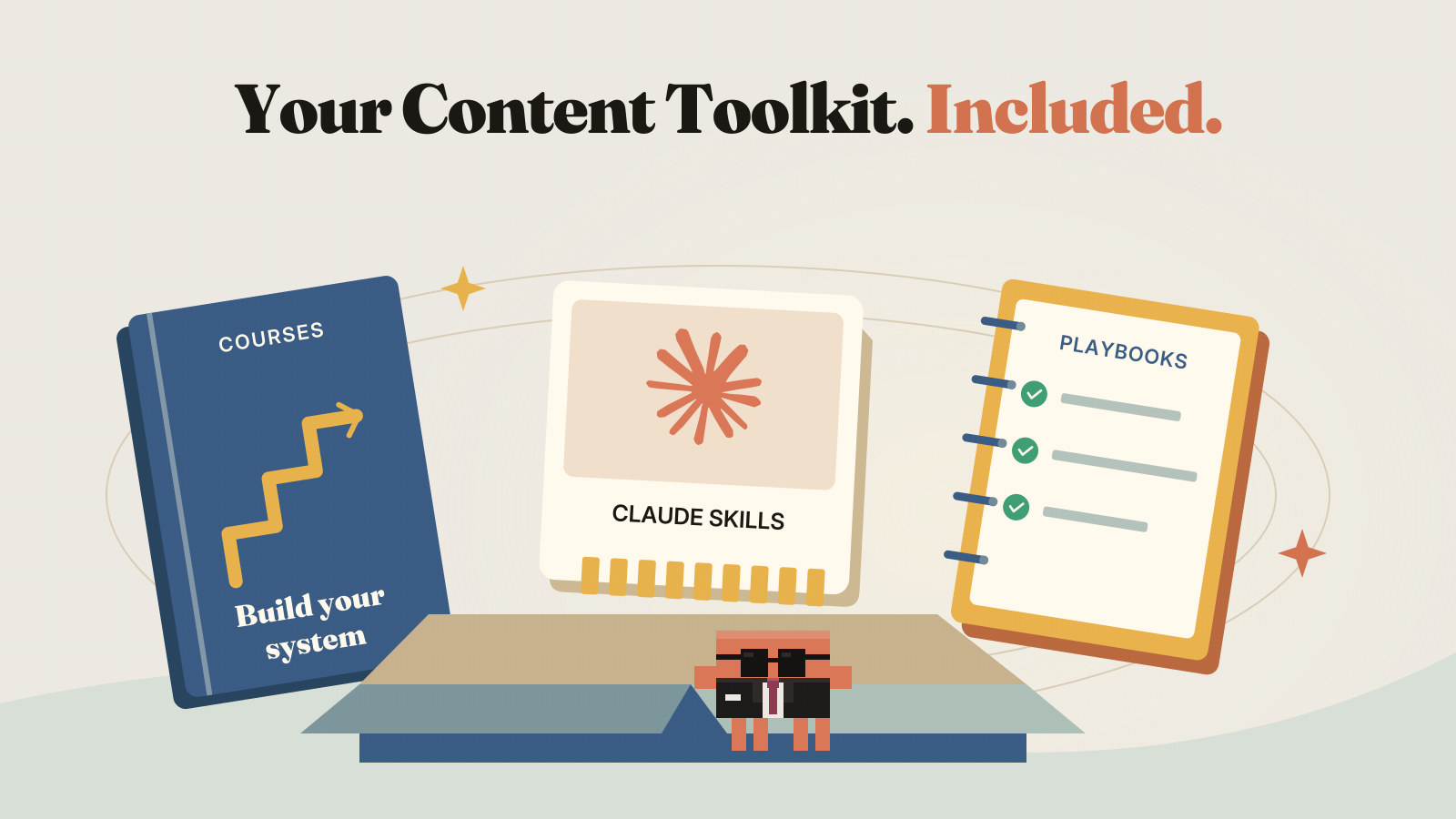
Get Supereditor access, practical courses, AI skills and the resource library. Learn how to use them together, with a community to help you keep improving.
Any Claude or ChatGPT subscription, paid tools and AI generation costs are separate from membership.
Founding price: $49/month. Increases to $67/month at 50 members.
Written by members. Unedited, and published with their permission.
Creators, business owners and freelancers who want to raise the quality of their videos, visuals and stories with AI, for their own brand or clients.
You can start with guided lessons without knowing how to code. Choose a format that fits you: your own footage, animation, product visuals or avatar content.
Use Claude or ChatGPT, whichever you prefer. The content workflows and Supereditor work with either platform. Each lesson explains any other tools it uses. Paid tool subscriptions and image or video generation credits are separate from membership.
Generate your private access key in the Guild setup guide, then follow the instructions to connect your preferred AI app. Supereditor works with Claude or ChatGPT. Describe your video and ask for changes in the same conversation. The current tool creates designed videos; uploading and cutting existing footage is not supported yet.
4 courses with 8 modules and 31 Guild skills are available. The resource list above separates live content from planned additions.
No. You get lessons, resources and a place to ask questions. Results depend on your work, audience, offer and how you use the tools.
Yes. Manage your subscription from your account settings. After cancelling, access continues until the end of your paid period.
Monthly is $49. Annual is $435, saving 26% compared with twelve monthly payments.
Yes. The founding price is $49/month. The monthly membership price increases to $67 when the Guild reaches 50 members.
Join 10X Content Guild for my AI video editor, the workflows behind my content and a community that helps you grow as a creator.
Join the Guild, $49 per monthOr join the annual plan and save 26%.
Cancel from your settings, without emailing anyone.
Founding price: $49/month. Increases to $67/month at 50 members.